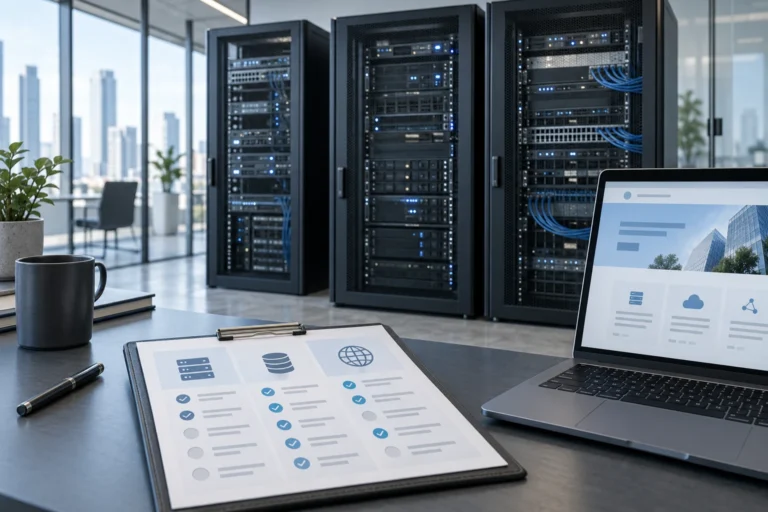
How to Choose Hosting for an AI-Powered Website
Choose hosting around your website’s actual workload: WordPress compatibility, AI connections, resource limits, backups, staging and support.


Practical guides on WordPress, AI, e-commerce, and building better customer journeys.
Choose hosting around your website’s actual workload: WordPress compatibility, AI connections, resource limits, backups, staging and support.
Understand AI website maintenance costs: updates, backups, recovery, content accuracy and workflow testing. Compare care plans by their actual scope.
Budget for adding AI to an existing WordPress site: plugin licence, setup, supported subscription or API access, testing and ongoing care.
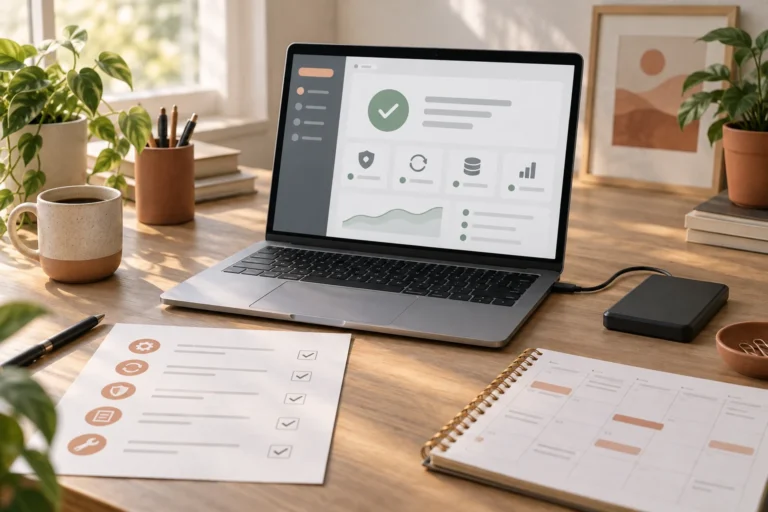
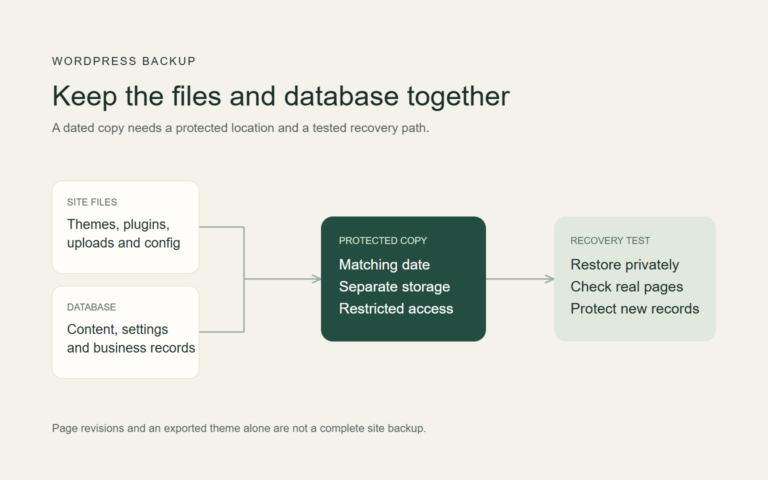
Before AI changes your website, create a dated copy of its files and data, protect it away from the live installation and test the recovery procedure privately.
If AI breaks your website, stop further edits, preserve the current state and business records, identify the last change, recover narrowly and verify the customer journey.
Build a website with Bolt from a practical brief. Connect the enquiry workflow, protect service credentials, save the project and verify the published site.
Review an AI-built website’s access controls, secrets, inputs, dependencies and recovery arrangements. Test important permissions and document unresolved risks.
Publish an AI-built website on your domain. Deploy the right build, connect DNS without disrupting email, enable HTTPS and verify the public release.
Add payments to an AI-built website using a hosted payment link or server-backed checkout. Verify payment status, order records and fulfilment before launch.
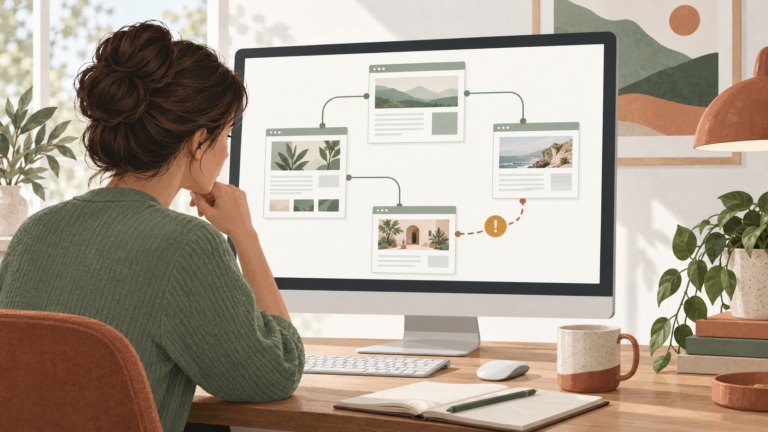
Fix broken links by recording the source and destination, identifying the intended resource, correcting the link or selecting a relevant redirect, then checking the live route.