How to Connect an AI-Built Website to a CMS
Connect an AI-built website to a CMS by defining editable content, mapping API fields and testing draft, publishing, caching and access permissions.


Practical guides on WordPress, AI, e-commerce, and building better customer journeys.
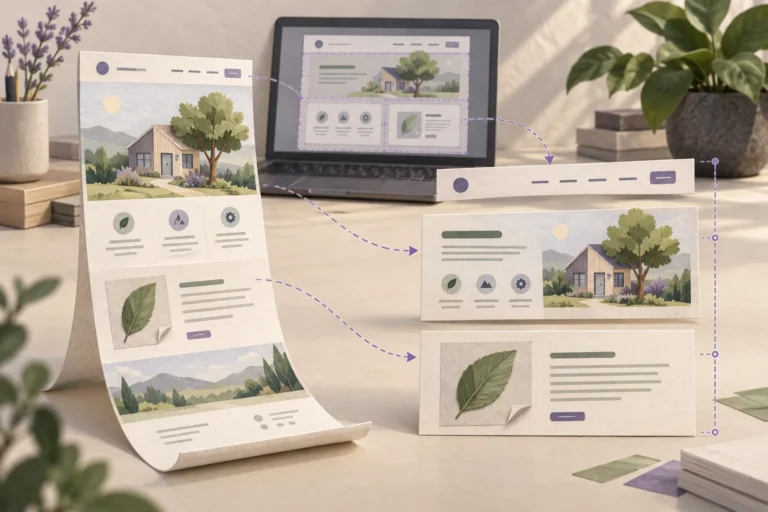
Connect an AI-built website to a CMS by defining editable content, mapping API fields and testing draft, publishing, caching and access permissions.
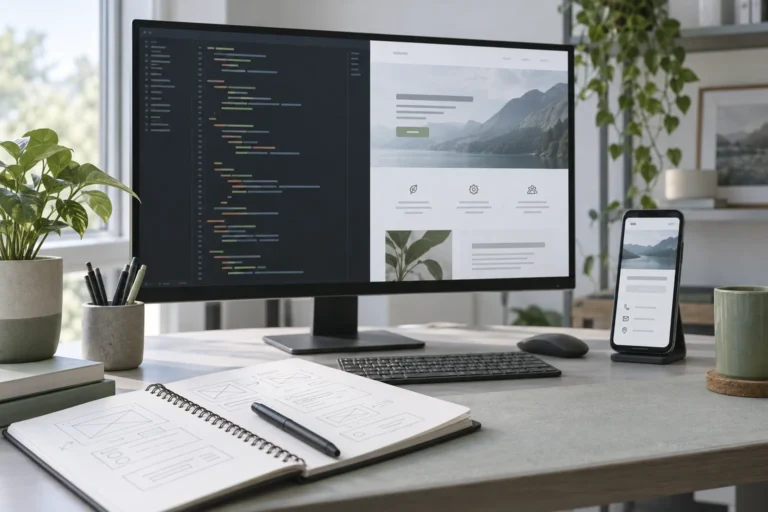
Convert AI-generated HTML into an editable WordPress block theme. Separate templates from content, rebuild layouts with blocks and test the installed theme.
Build a website with Cursor using a clear project brief, reusable components and focused changes. Verify mobile pages and the complete enquiry workflow.
Build a website with Lovable, test its real customer journey, save the code and choose how WordPress will handle content after launch.
Reduce AI website running costs by reviewing duplicate services, measuring actual usage and testing changes to hosting, model requests and maintenance.
Yes, AI websites need hosting. Learn when it is included in a builder, when WordPress needs its own host and why model access is a separate service.
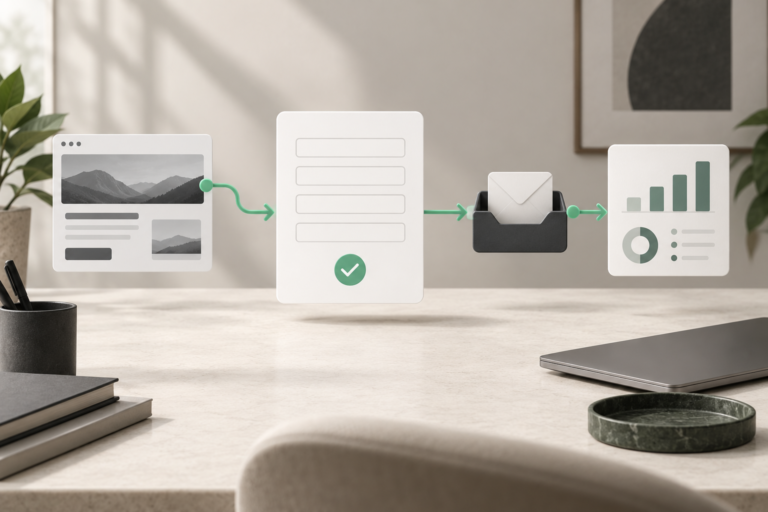
A generated form can look finished without saving or delivering a message. Trace the browser request, server response, stored record and inbox to find the failure.
A mobile layout usually fails because desktop widths, positioning, text or overlays do not adapt. Reproduce the affected screen and fix the responsible component.
Diagnose a slow AI-built website by separating server delay, heavy assets and browser work. Measure the affected page, make a focused fix and retest the journey.
An AI-built website looks generic when its brief, content, images and layout say little about the actual business. Diagnose the weak layer before regenerating.