How to Transfer an OpenCart Store to WordPress and WooCommerce
Transfer an OpenCart store to WooCommerce with checks for products, customer accounts, order history, URLs and checkout. Explore the Niwa Business migration route.


Practical guides on WordPress, AI, e-commerce, and building better customer journeys.
Transfer an OpenCart store to WooCommerce with checks for products, customer accounts, order history, URLs and checkout. Explore the Niwa Business migration route.
Add Niwa to your existing WordPress site. Connect your AI account, use your website content, configure customer chat and test product or booking help.
Prepare a brief, save a WordPress draft with Niwa, check the facts and publish the version you approve.
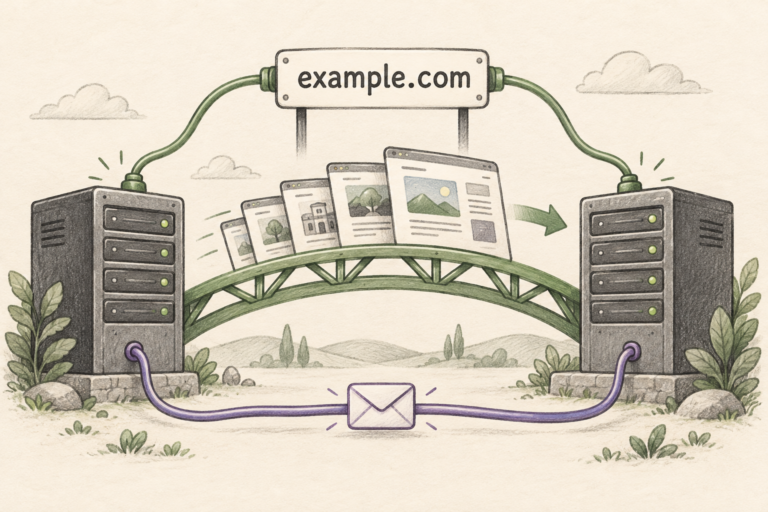
Move your website to WordPress and keep your domain. See how to preserve email and page URLs, test before switching, and arrange your move with Niwa.
Compare Niwa’s direct WhatsApp booking, website-aware AI and WordPress tools with Fresha’s salon platform. Explore workflows, pricing and business fit.
Compare WordPress MCP connections for owner operations, stock updates, page editing and customer assistance, with a practical Niwa setup workflow.
Use Niwa to answer SaaS product questions from your WordPress content, help with support emails, keep human help reachable and measure resolution.
Use Niwa to prepare and publish WordPress content, review social drafts and connect an approved publishing workflow for your business accounts.
Niwa answers clinic questions and books appointments on your website or directly on WhatsApp. Use your WordPress site or choose Niwa Business for USD 150.
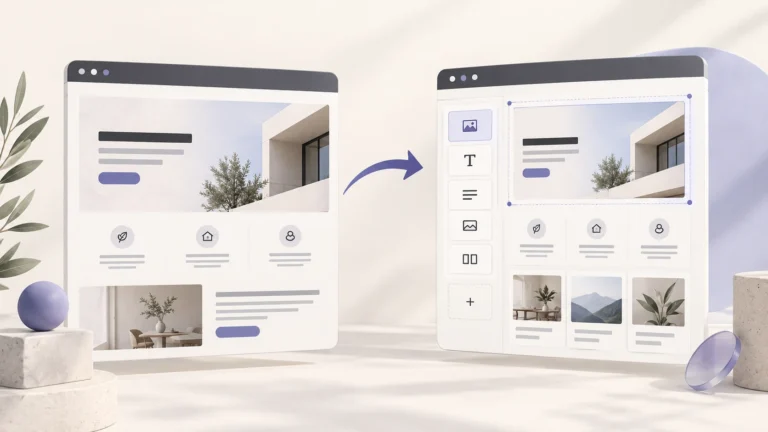
Move your text, images and CMS content into WordPress, recreate the layouts as editable pages or templates, and reconnect the site’s functions.