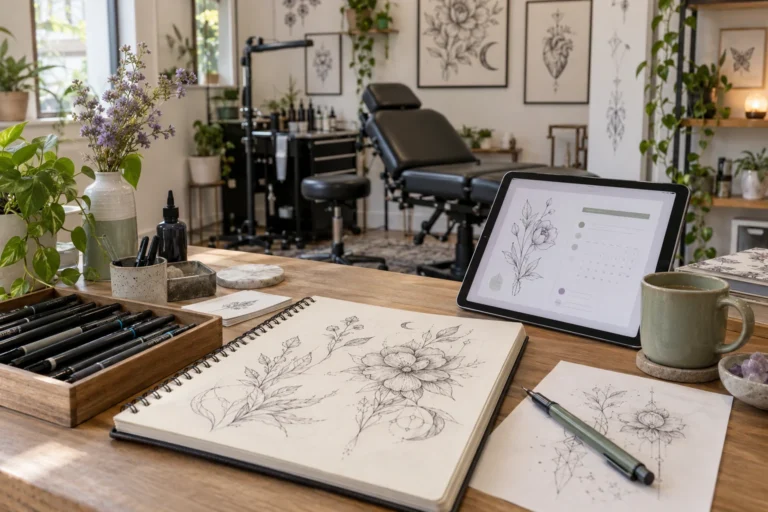
How to Add Consultation Booking to a Tattoo Studio Website
Add consultation booking to a tattoo studio website with clear artist availability and project details. Keep the consultation separate from the tattoo session.


Practical guides on WordPress, AI, e-commerce, and building better customer journeys.
Add consultation booking to a tattoo studio website with clear artist availability and project details. Keep the consultation separate from the tattoo session.
Improve the SaaS demo journey with clear product answers, a useful demo offer and working website booking. Measure requests, bookings and attendance separately.
Automate routine training questions, gather useful enquiry details and offer the right next step. Use Niwa without treating every request as a booking.
Choose WordPress for a SaaS marketing website when your team needs editable product content and Niwa AI, while keeping the software application separate.
Help SaaS buyers match plans to their workflow, essential features and expected usage. Use Niwa to explain the fit and tradeoffs before signup or a demo.
Audit ten common booking obstacles, from unclear services to ambiguous confirmation. Check each problem against the customer journey and saved appointment.
Use Niwa to explain SaaS seats, usage allowances, tiers and add-ons from approved pricing information. Keep quotes and private billing decisions with your team.
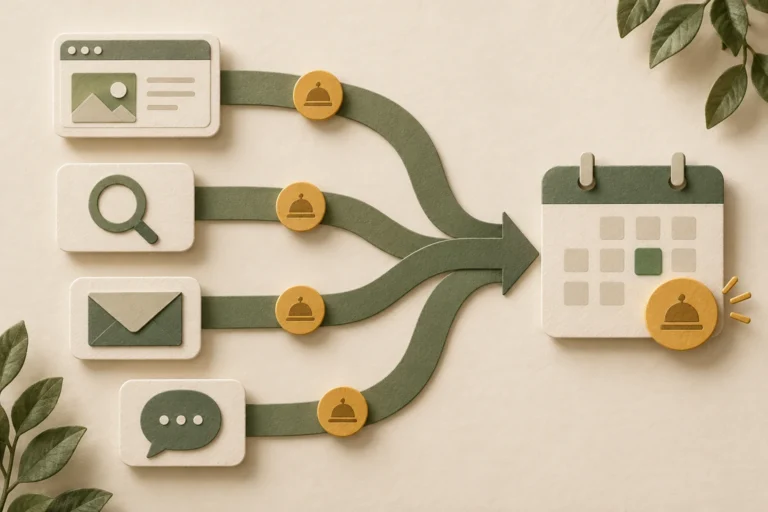
Compare confirmed bookings by source using consistent campaign links and verified appointment events. Separate booking volume, completion rate and attendance.
Calculate booking conversion from confirmed appointments and a defined visitor cohort. Separate sessions, users and appointment counts, then verify your events.
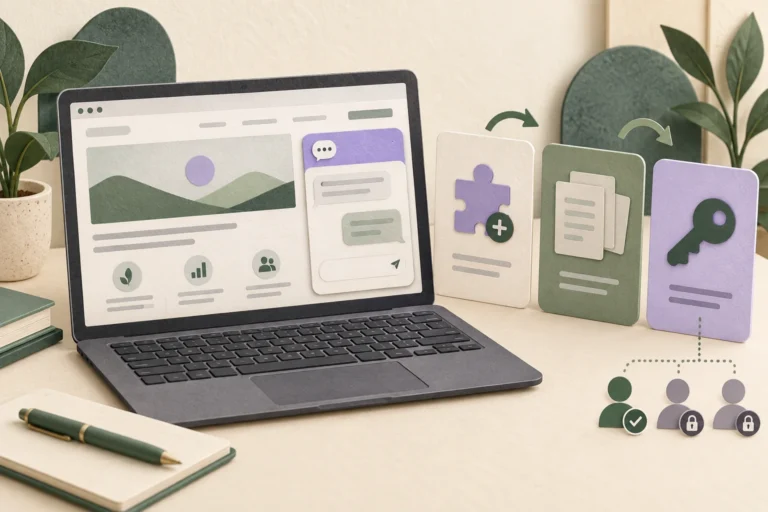
Install Niwa on a WordPress SaaS website, prepare product knowledge, set visitor permissions and test plan questions and the demo booking route.