How to Add AI Appointment Booking to Your Website
A practical WordPress installation guide for connecting Niwa service assistance to a working website booking flow.


A practical WordPress installation guide for connecting Niwa service assistance to a working website booking flow.
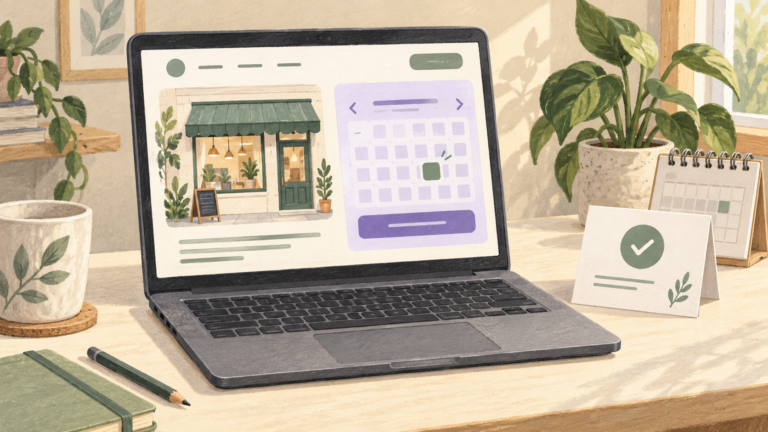
An AI booking assistant helps customers understand services and reach a valid appointment. Learn the roles of conversation, scheduling and confirmation.
Move your business website to WordPress with Niwa. Bring the content and customer functions into a managed website with hosting, maintenance and business AI.
Keep your WordPress website and business AI working together. Niwa Business includes hosting and maintenance alongside a custom website or migration and AI setup.
Get a custom WordPress website with Niwa AI for your business. Bring your pages, products and customer conversations into a connected website and sales workflow.
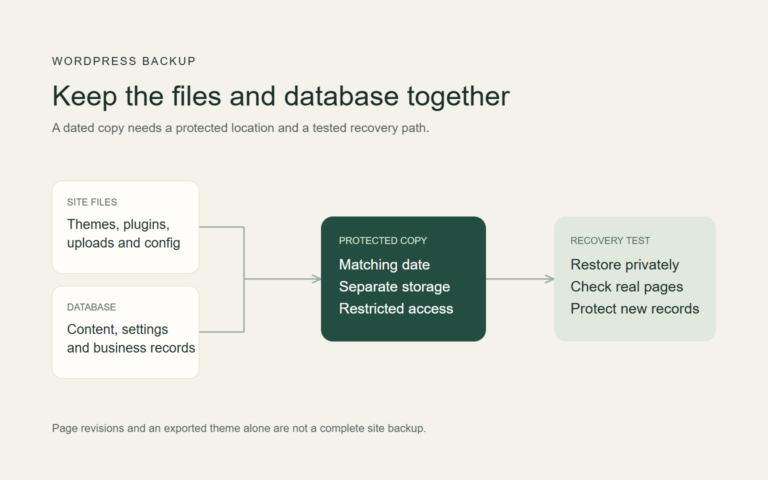
Before AI changes your website, create a dated copy of its files and data, protect it away from the live installation and test the recovery procedure privately.
If AI breaks your website, stop further edits, preserve the current state and business records, identify the last change, recover narrowly and verify the customer journey.
Review an AI-built website’s access controls, secrets, inputs, dependencies and recovery arrangements. Test important permissions and document unresolved risks.
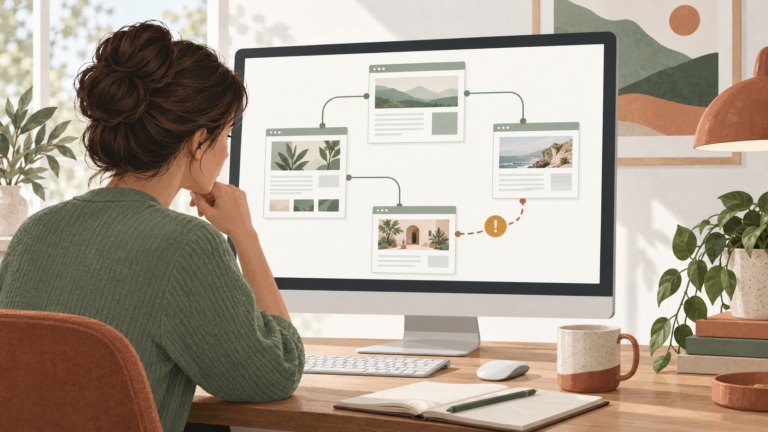
Fix broken links by recording the source and destination, identifying the intended resource, correcting the link or selecting a relevant redirect, then checking the live route.
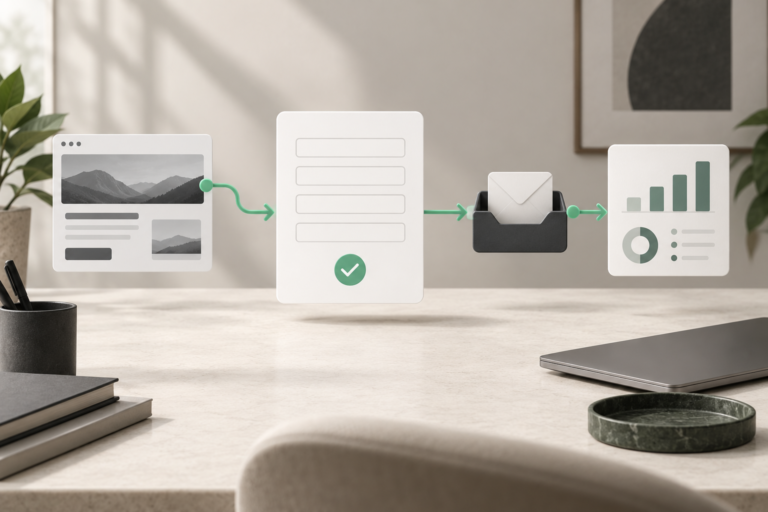
A generated form can look finished without saving or delivering a message. Trace the browser request, server response, stored record and inbox to find the failure.