How to Collect Appointment Details Without Asking for Unnecessary Medical Information
Keep clinic booking fields tied to arranging the visit. Separate clinical intake and review contact data, conversations, providers, access and retention.


Practical guides on WordPress, AI, e-commerce, and building better customer journeys.
Keep clinic booking fields tied to arranging the visit. Separate clinical intake and review contact data, conversations, providers, access and retention.
A clinic AI assistant can explain approved hours, locations, fees, services and booking steps. See useful examples and when a patient needs staff.
Guide clinic enquiries to the right published contact with a reviewed department directory, clear response hours and a human route for clinical assessment.
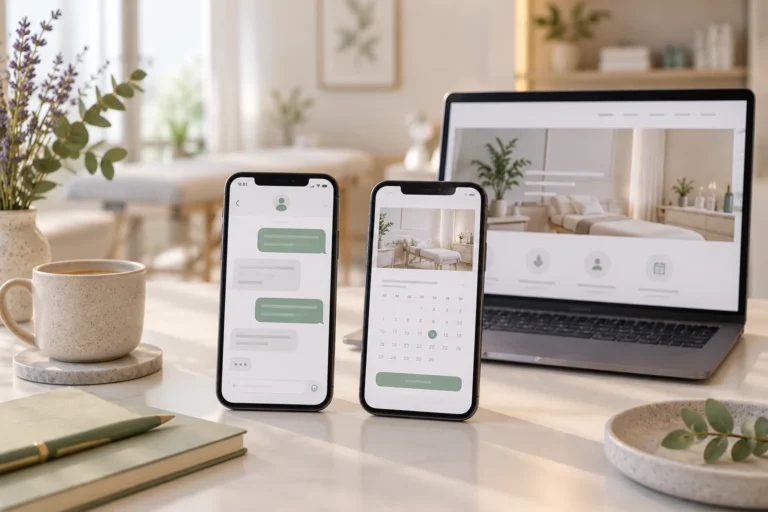
Niwa answers clinic questions, offers available appointment times and saves the patient’s chosen booking directly through a WhatsApp conversation.
Niwa answers routine clinic questions and books available appointments on your website or WhatsApp after reception closes. Set clear staff response hours.
Niwa explains clinic-defined appointment options and books available visits on your website or WhatsApp. Keep medical assessment with the clinical team.
Let Niwa answer routine clinic enquiries using your website’s information and book appointments on the site or WhatsApp. Configure services and staff routes.
Add clinic booking with an existing scheduler link or Niwa on WordPress. Configure services, availability and contact fields, then check the saved appointment.
Choose AI booking software for WordPress. Compare Niwa’s direct conversational booking and business context with external schedulers and team requirements.
Explore Niwa as a Calendly alternative for direct AI booking through WhatsApp and website conversations. Compare workflows and check appointment records.