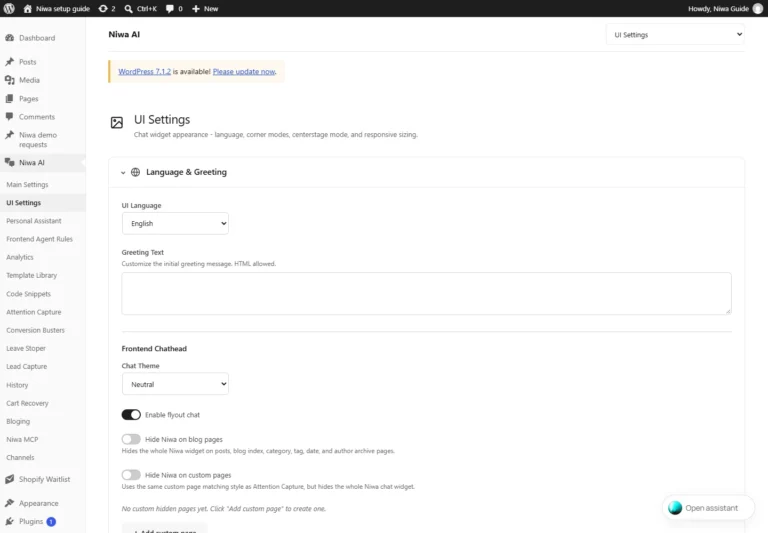
How to Customize an AI Chatbot to Match Your Website
Customize Niwa’s greeting, theme, image and launcher positioning. Check the opened chat, readability and mobile controls before saving the final design.


Customize Niwa’s greeting, theme, image and launcher positioning. Check the opened chat, readability and mobile controls before saving the final design.
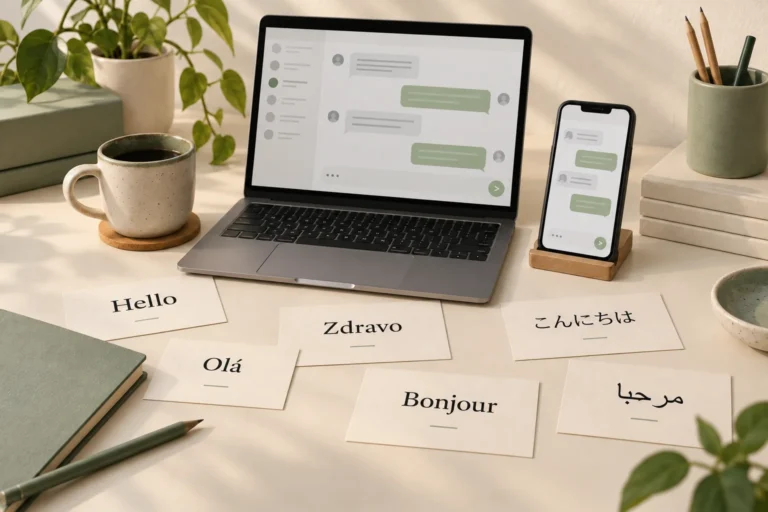
Set up Niwa for multilingual customer conversations. Check widget labels, greetings, source information and market policies separately for each language.
Update Niwa’s source pages, product records and business rules, refresh site knowledge and verify that a new conversation uses the corrected facts.
Connect Niwa’s customer assistant to accurate WooCommerce products, prices, stock and variations. Verify product answers and the selected cart item.
Give Niwa accurate website content, rebuild the knowledge index and add business rules. Test retrieval and answers against your published information.
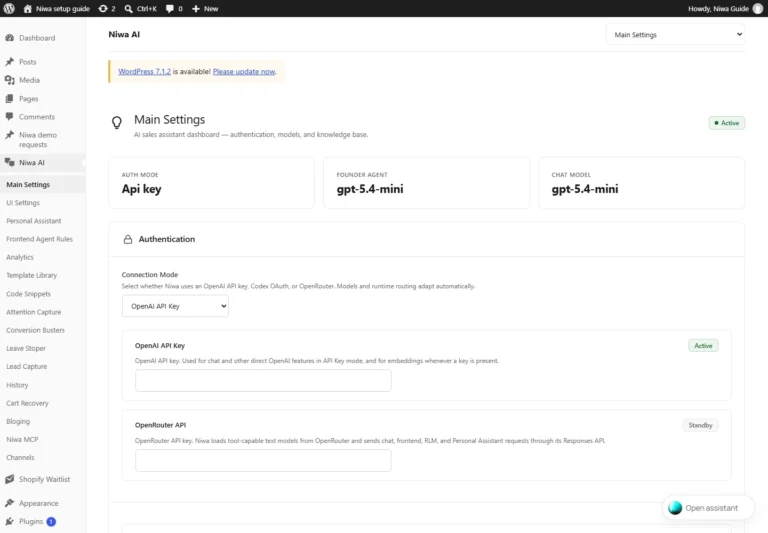
Connect Niwa through supported ChatGPT sign-in, OpenAI API or OpenRouter. Save the active mode, select a model and verify a customer-chat reply.
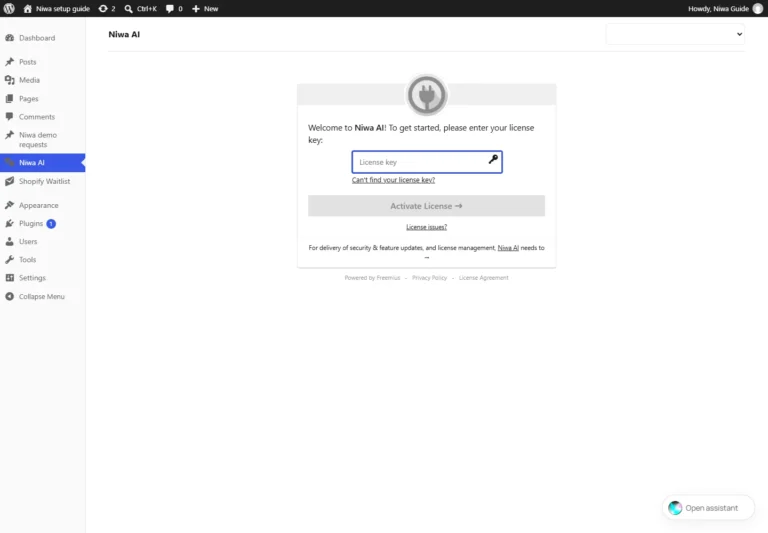
Install the Niwa AI ZIP on an existing WordPress site, activate your licence and confirm the plugin is ready for model and customer-chat setup.
Take appointment bookings directly on WhatsApp after reception closes with Niwa. Use connected availability and keep service hours and holidays accurate.
Track appointments booked directly through Niwa on WhatsApp. Associate the conversation source with a saved booking and count cancellations separately.
Book appointments for several staff members directly on WhatsApp with Niwa. Assign services, set individual hours and check connected calendars.