Can Customers Cancel Appointments Through WhatsApp?
Customers can cancel their own upcoming Niwa appointments in a private WhatsApp conversation. Check identity, resolve the booking and confirm the saved change.


Customers can cancel their own upcoming Niwa appointments in a private WhatsApp conversation. Check identity, resolve the booking and confirm the saved change.
Set up Niwa’s automatic WhatsApp appointment reminders. Choose the timing, connect the customer channel and check message activity against the saved booking.
Confirm appointments booked directly on WhatsApp with Niwa. Check the saved reservation, contact details and sending connection for follow-up messages.
Help customers choose and book a service directly on WhatsApp with Niwa. Use website context, service duration and staff availability in the conversation.
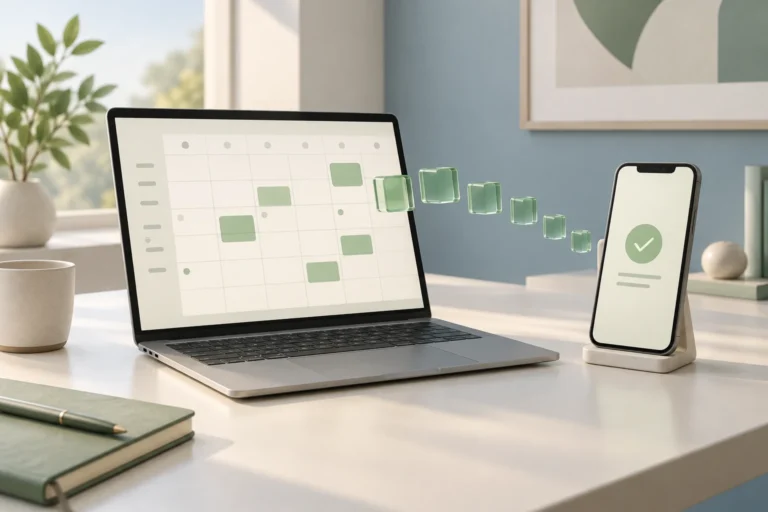
Connect Niwa WhatsApp booking to Google Calendar. Map staff accounts, use busy times for availability and check appointments saved from the conversation.
Niwa can book appointments directly through WhatsApp. Learn how service context, connected availability and customer confirmation produce a saved booking.
Niwa answers practice questions and books eligible dental appointments on your website or directly in WhatsApp, using your practice information and availability.
Add Niwa to your existing WordPress site. Connect your AI account, use your website content, configure customer chat and test product or booking help.
Set up direct WhatsApp appointment booking with Niwa. Configure services and calendars so customers can choose a time and reserve it in the conversation.
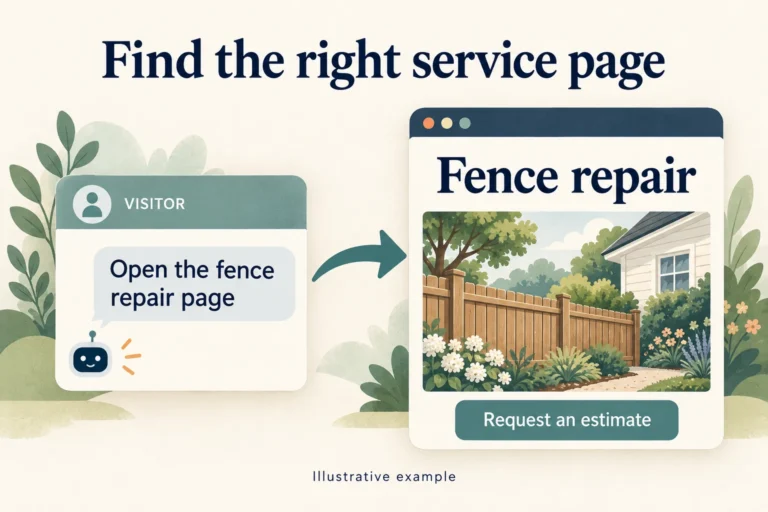
A practical service-business guide to linking or opening the right WordPress page in chat, with a fictional fence repair example and clear booking boundaries.